Claude Duet at Work: 32 Ways to Let Claude Come to You
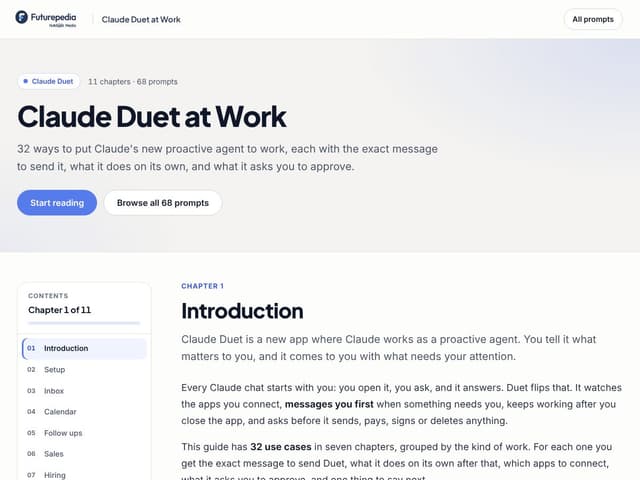
For founders, marketers, team leads and anyone who wants an assistant that notices what needs them. Get 32 messages you could send Claude Duet today, from catching what you missed in your inbox to chasing unpaid invoices, each with what Duet does on its own and what it asks you to approve.
What's Inside:
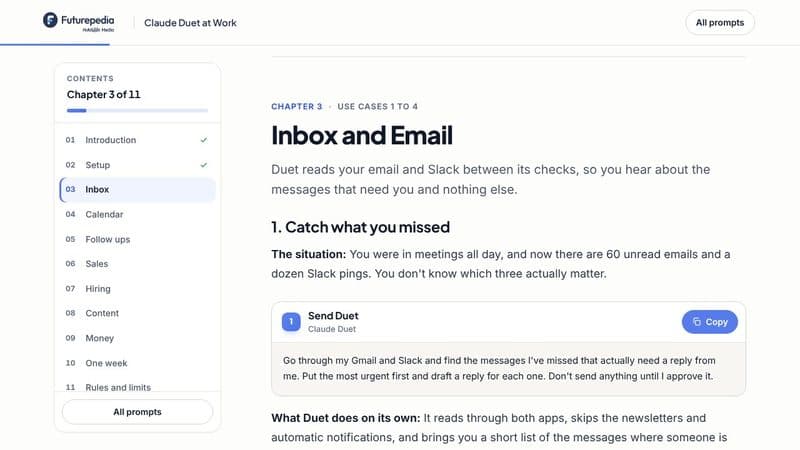
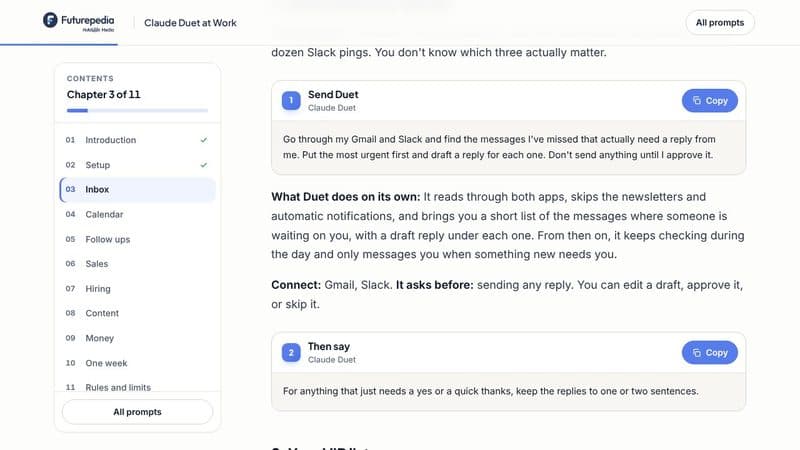
32 messages to send Duet: For your inbox, calendar, follow ups, sales, hiring, content, money and buying things, each in plain English with the boxes to fill in marked.
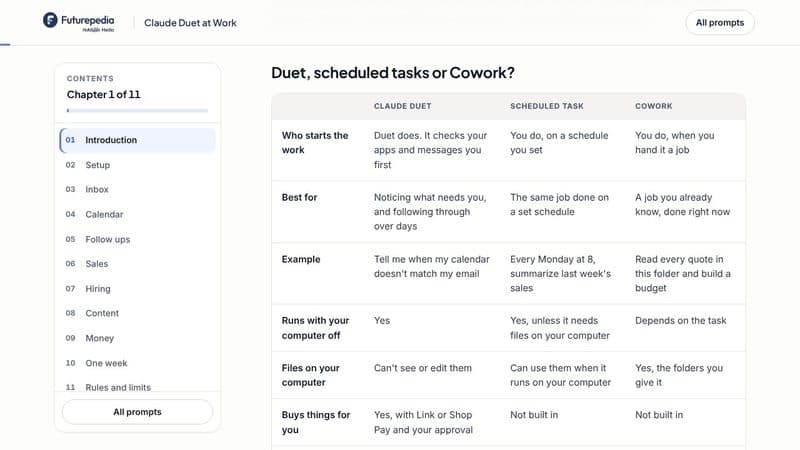
Duet, scheduled tasks or Cowork: A side by side table that shows which one to use for each kind of job, and the simple rule for picking.
What Duet does on its own: For every use case: what happens after you send the message, which apps to connect, what it asks you to approve, and one thing to say next.
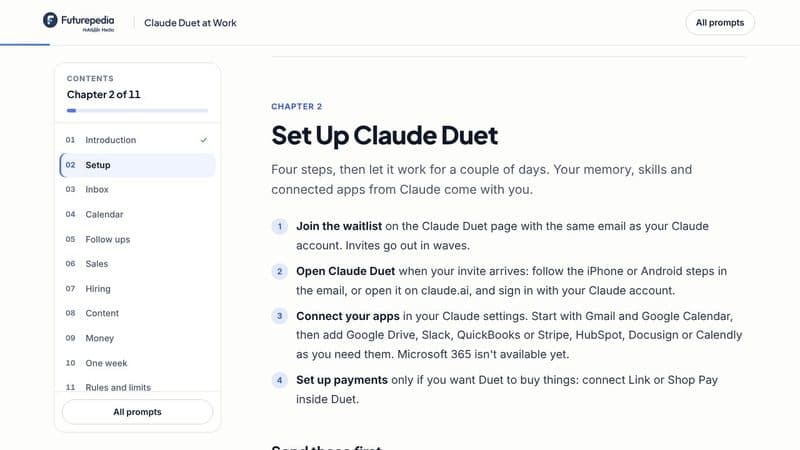
Step by step setup: How to get access, which apps to connect first, and the three messages to send on day one so Duet knows what matters to you.
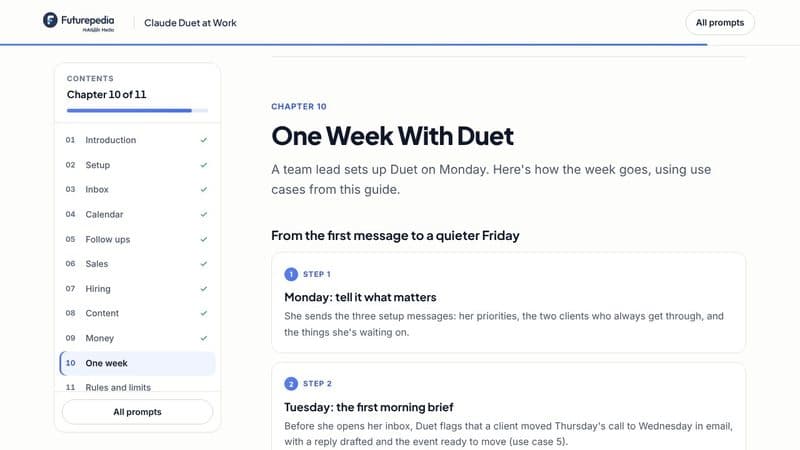
One week with Duet: A real week, day by day, from the first morning brief to a quieter Friday, using use cases from the guide.
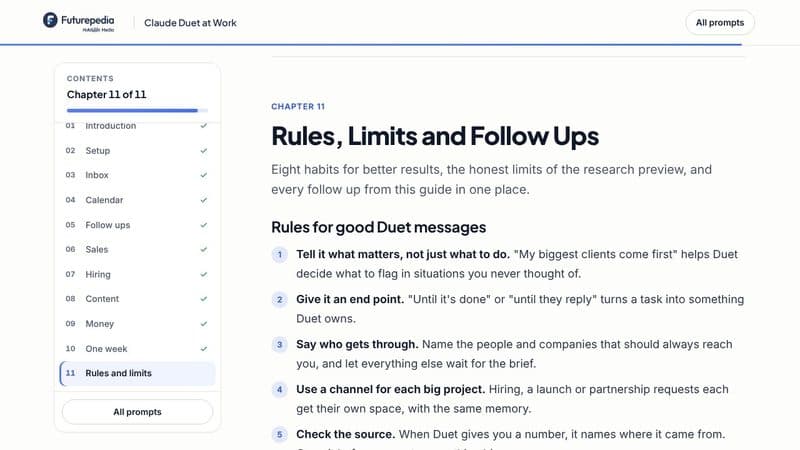
Follow ups, rules and limits: All 32 follow ups in one place, eight habits for better messages, and the honest limits of the research preview.
Hand Your First Job to Claude Duet Today
Sign up free and open the full guide in your browser: 32 use cases with messages ready to copy, a setup guide for your first day, and a table that shows when to use Duet, a scheduled task or Cowork. Pick one, send it to Duet, and let it come back to you.
Frequently Asked Questions (FAQs)
Who is Claude Duet at Work for?
Founders, marketers, team leads, creators and anyone who wants an assistant that notices what needs them: missed messages, calendar mistakes, quiet threads, unpaid invoices. If you can say what matters to you, you can hand it to Duet.
What exactly do I get after signing up?
The full guide in your browser: 11 chapters with 32 use cases, each with the message to send and a follow up, a setup guide with the first three messages to send, a table comparing Duet, scheduled tasks and Cowork, a week with Duet day by day, and the honest limits.
What do I need to use the messages?
Claude Duet, which is a research preview for Claude Pro and Max subscribers in the US, by waitlist. You use it in the Claude Duet app on iPhone or Android, or on claude.ai. Most use cases need Gmail and Google Calendar connected. A few use other apps, like Slack, HubSpot, QuickBooks, Docusign or Shopify, and buying things needs Link or Shop Pay. Each use case lists what to connect.
Do I need to know how to code?
No. You send Duet a message in plain English, and it does the reading, drafting and following up. It tells you when it needs something from you.
Will Duet send emails or buy things without asking?
No. Duet asks before it sends, pays, signs or deletes anything, and every message in the guide also tells it to wait for your OK. You stay in control of everything that goes out.