Build Desktop Apps with Claude: 28 Apps, Ready to Copy
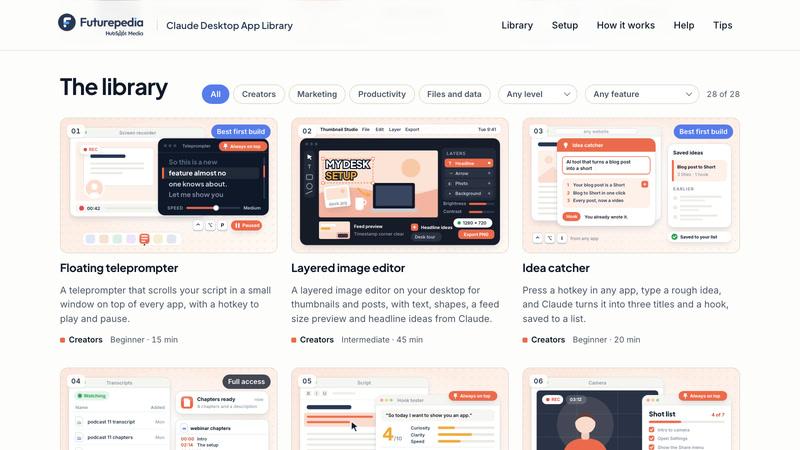
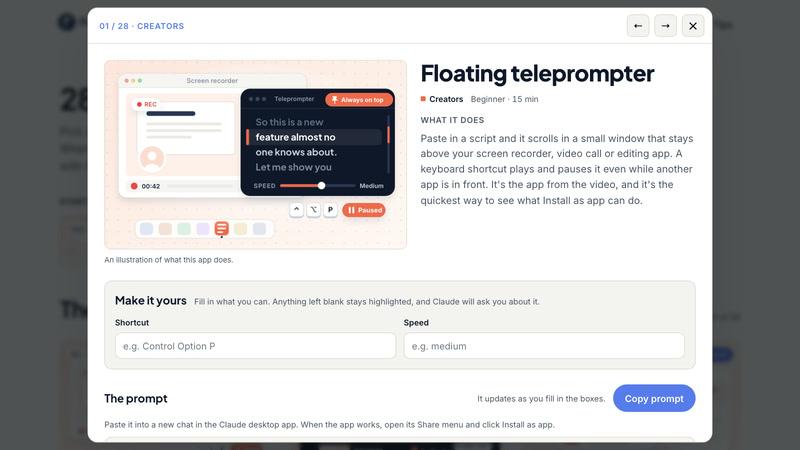
For creators, marketers and anyone who wants small tools built around how they work. Browse 28 apps, from a layered image editor and a performance monitor in your menu bar to a teleprompter that floats over your screen recorder, and copy a prompt that has Claude build each one, then install it on your Mac or Windows computer with one click.
What's Inside
28 desktop apps ready to build: A layered image editor, a performance monitor in your menu bar, a floating teleprompter, a posting queue, a folder sorter and more, grouped by Creators, Marketing, Productivity, and Files and data.
See every app in action: Each card has an animated preview of the app on your desktop, plus what you'll get, what you'll need, how long it takes and which permissions it asks for.
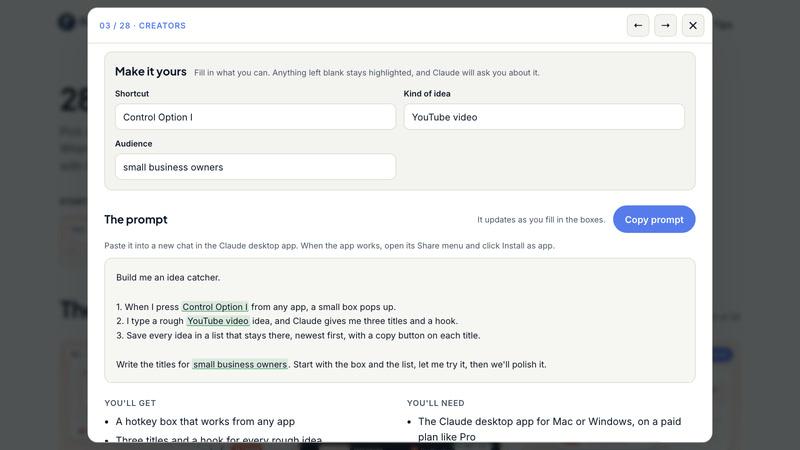
Claude prompts ready to copy: Fill in a few simple boxes, like your keyboard shortcut, your brand voice or the folders you use, and copy a finished prompt. Claude builds the app right in the chat.
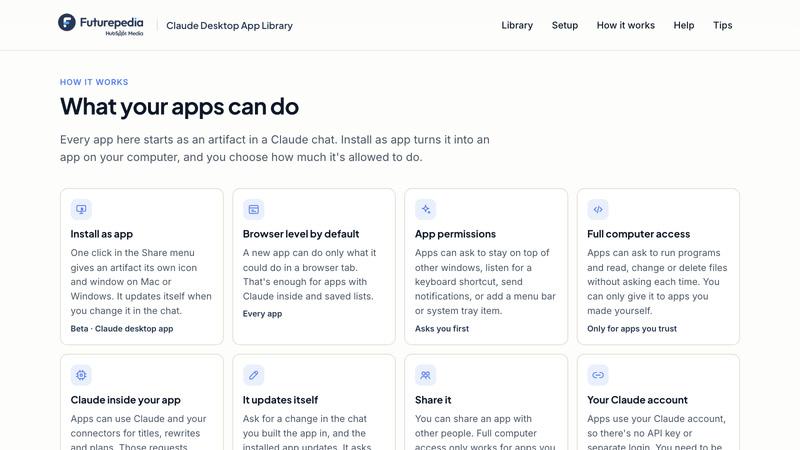
Real apps on your computer: One click on Install as app gives each one its own icon and window. Apps can float on top, sit in your menu bar, send notifications and, with your permission, work with your files.
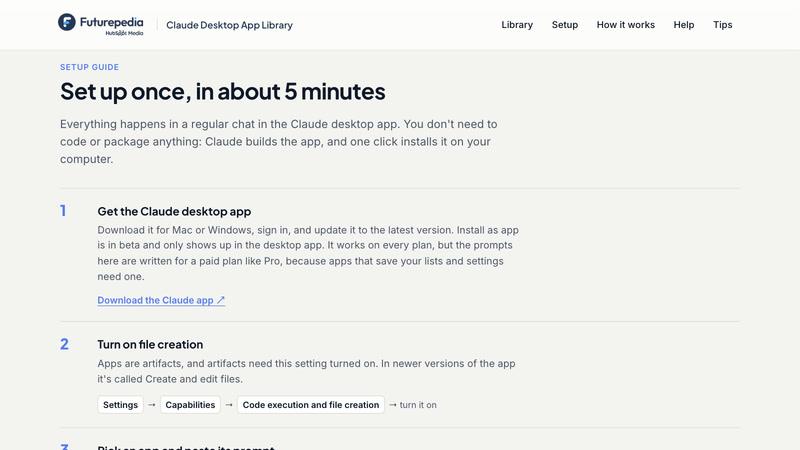
Setup guide, step by step: Everything happens in a regular chat in the Claude desktop app, with no coding or packaging. Three quick apps to start with, and each permission level explained in plain English.
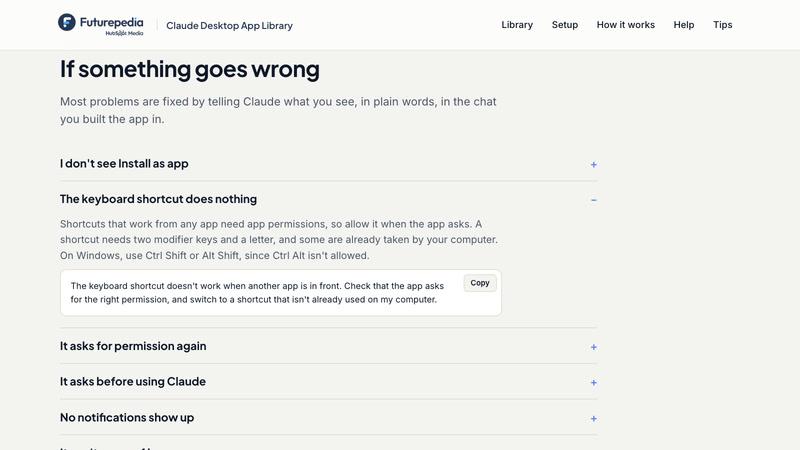
Fixes and follow ups: Prompts you can paste for the most common problems, and two "then ask" prompts per app to add the next feature.
Build Your First Desktop App with Claude Today
Sign up free and open the full library in your browser: 28 apps with animated previews, 28 prompts ready to copy with 56 follow ups, and a plain English setup guide for the Claude desktop app. Pick an app, paste the prompt, and install it on your computer in one click.
Frequently Asked Questions (FAQs)
Who is the Claude Desktop App Library for?
Creators, marketers, founders and anyone who repeats the same small task every day: resizing images, writing captions, sorting files, keeping time. If you can describe the app you want, Claude can build it with you.
What exactly do I get after signing up?
The full library in your browser: 28 desktop apps with animated previews, a prompt ready to copy and two follow up prompts for each, a step by step setup guide, a plain English guide to what installed apps can do, and fixes for the most common problems.
What do I need to use the prompts?
The Claude desktop app for Mac or Windows. Install as app is in beta on every plan, and the prompts are written for a paid plan like Pro, because apps that save your lists need one. You need to be online and signed in to Claude to open an installed app. On Windows, the image resizer and PDF combiner ask before installing a free tool they need.
Do I need to know how to code?
No. You paste a prompt in plain English, Claude builds the app in the chat, and one click in the Share menu installs it. To change it, you ask for the change in the same chat.
Can these apps change my files without asking?
Only if you allow it. Apps start with the same access as a browser tab and ask before they do more. The file apps always show you a plan before anything moves, and none of them delete files.