Build 3D Worlds with Claude Code: 21 Ready-Made Builds
For creators, marketers, educators and founders who want 3D without learning it. Browse 21 builds, watch each one in action, and copy a prompt that has Claude Code build it for you in Blender or Unreal Engine.

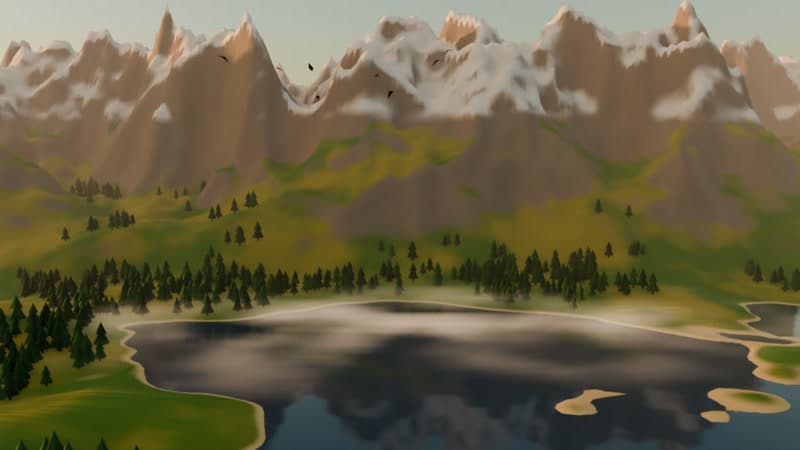
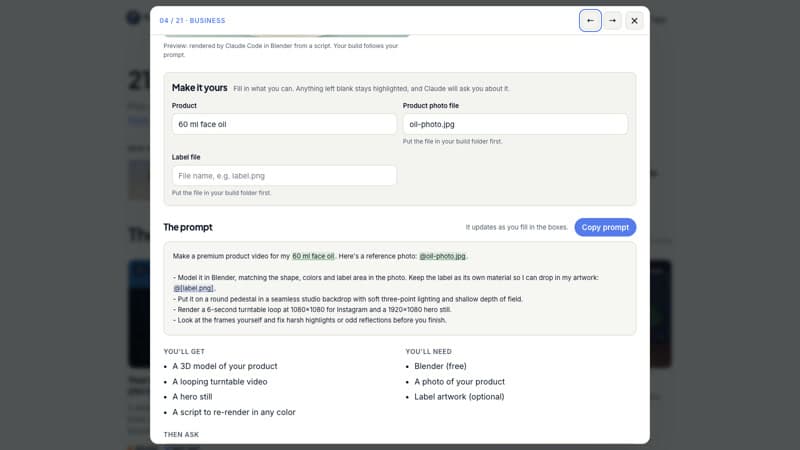
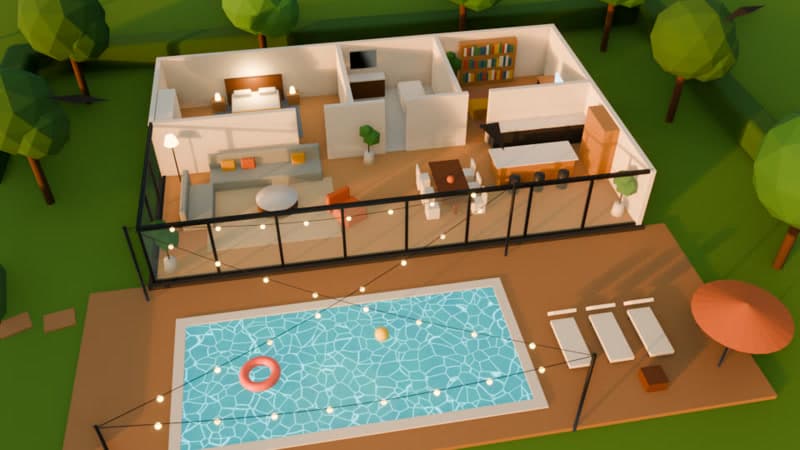
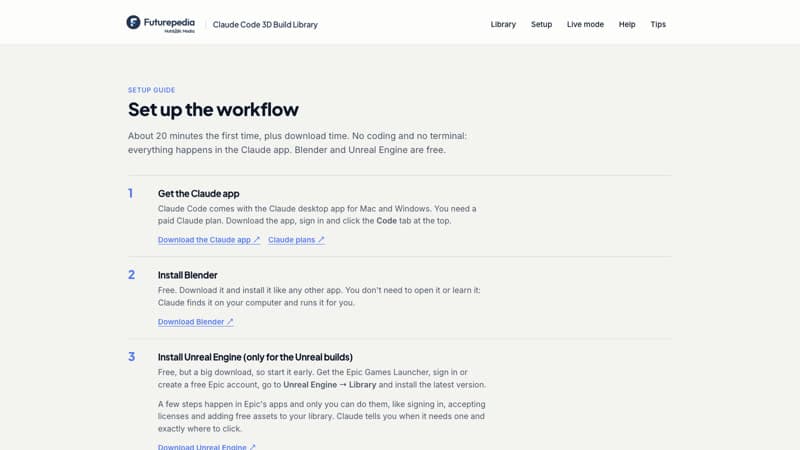
What's Inside:
21 ready-made 3D builds: Product turntables, logo reveals, virtual studio sets, walkable homes, game levels and a castle built from your notes, grouped by use: Business, Creators, Games, Learning and Personal.
A live preview of every build: Each card plays a looping preview that Claude Code rendered in Blender from a script, so you can see what you're making before you start.
Copy-ready Claude Code prompts: Fill in a few simple boxes, like your product, logo, floor plan or data, and copy a finished prompt. Paste it into Claude Code and it builds, renders and checks the result.
Follow-up prompts for every build: Two "then ask" prompts per build take it further: colorways, night versions, seating charts, an enemy for your game level.
Step-by-step setup guide: Download the Claude app, Blender and Unreal Engine, then paste one setup prompt that teaches Claude the whole workflow. No coding or terminal, three easy builds to start with, and fixes for the most common problems.
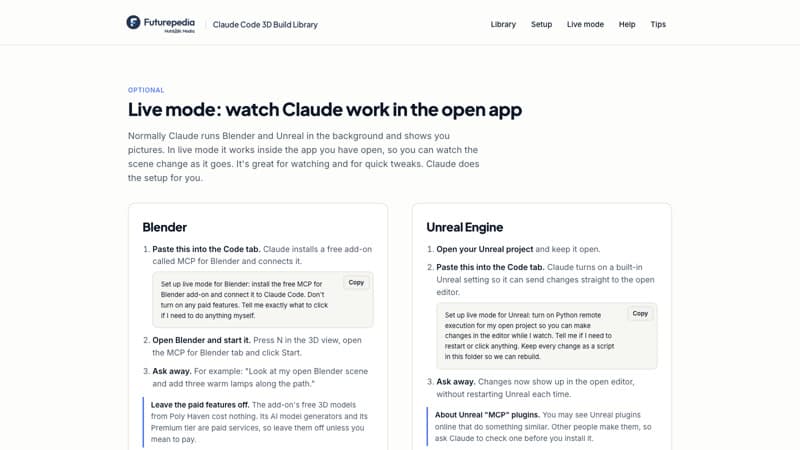
Live mode: Watch Claude build inside the open Blender or Unreal app in real time. One copy-and-paste prompt sets it up for you.
Build in 3D With Claude, Without Learning 3D
Sign up free and open the full library in your browser: 21 builds with live previews, 21 copy-ready prompts with follow-ups, and a setup guide for Claude Code, Blender and Unreal Engine. Pick a build, paste the prompt, and watch Claude make it.
Frequently Asked Questions (FAQs)
Who is the Claude Code 3D Build Library for?
Creators, marketers, educators and founders who want 3D scenes, product shots or walkable worlds without learning Blender or Unreal Engine. If you can describe what you want, you can use it.
What exactly do I get after signing up?
The full library in your browser: 21 builds with looping previews, a copy-ready prompt and two follow-up prompts for each, a step-by-step setup guide, and a guide to live mode.
What do I need to use the prompts?
The Claude desktop app with a paid Claude plan (Claude Code is built in), and Blender, which is free. The Unreal builds also need Unreal Engine 5, which is free to download. A Mac or a Windows PC works. Unreal projects need extra disk space and run best with a strong graphics card.
Do I need to know 3D or coding?
No. Claude Code writes and runs the scripts, renders the result and checks its own work. You describe what you want and ask for changes in plain English.