Build AI Agents with Claude: 27 Ready-to-Copy Agents
For founders, creators, marketers and teams who want AI that does the work, not just chats about it. Browse 27 agents, from a live company dashboard to a Shorts factory and a Slack answer bot, and copy a prompt that has Claude build each one for you in the Claude desktop app.
What's Inside:
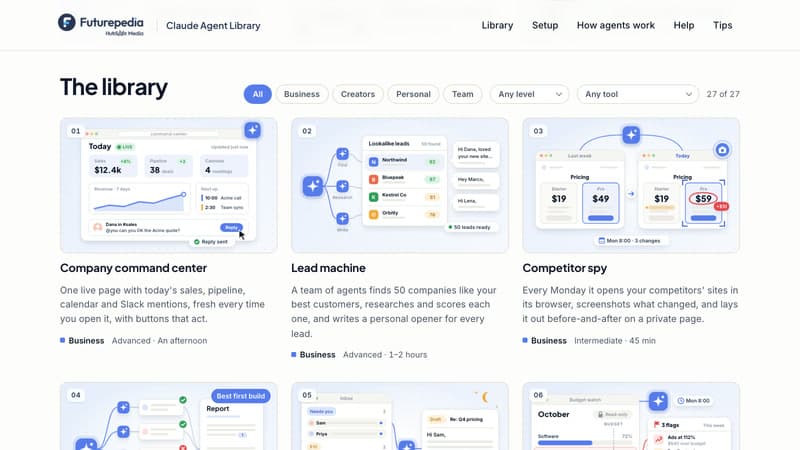
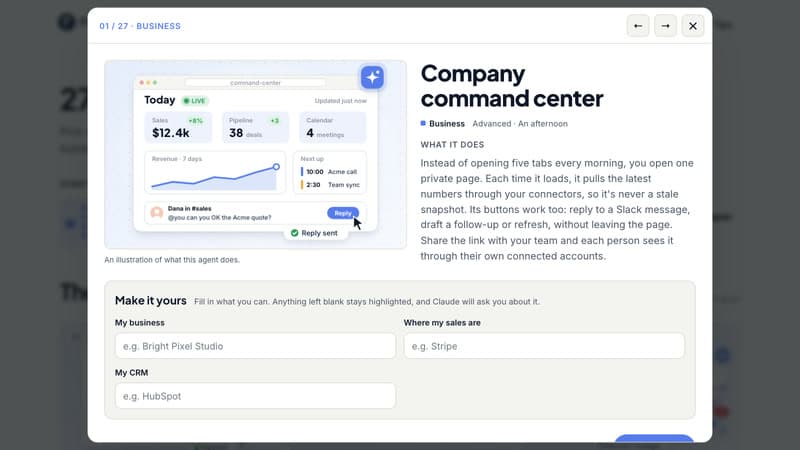
27 ready-to-build agents: A live company dashboard, a budget watchdog, an auto video editor, a Shorts factory, a second brain, a Slack answer bot and more, grouped by use: Business, Creators, Personal and Team.
See every agent in action: Each card has an animated preview of what the agent does, plus what you'll get, what you'll need and how long it takes to build.
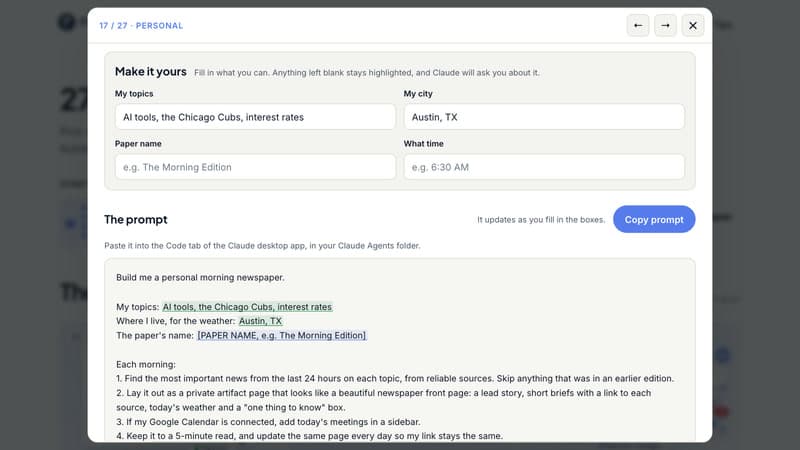
Copy-ready Claude prompts: Fill in a few simple boxes, like your business, your topics or your Slack channel, and copy a finished prompt. Claude builds the agent, tests it with you and saves it to run again.
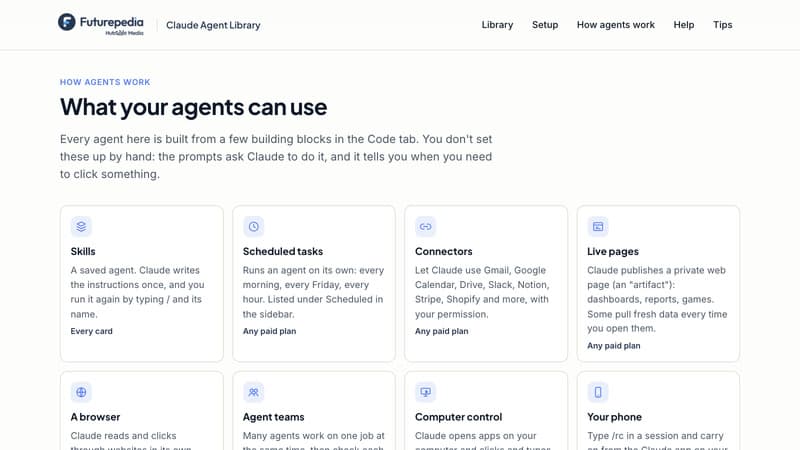
Agents that work on their own: Put agents on a schedule (every morning, every Monday, every hour) and connect the apps you already use, like Gmail, Google Calendar, Slack, Drive, Notion and Stripe.
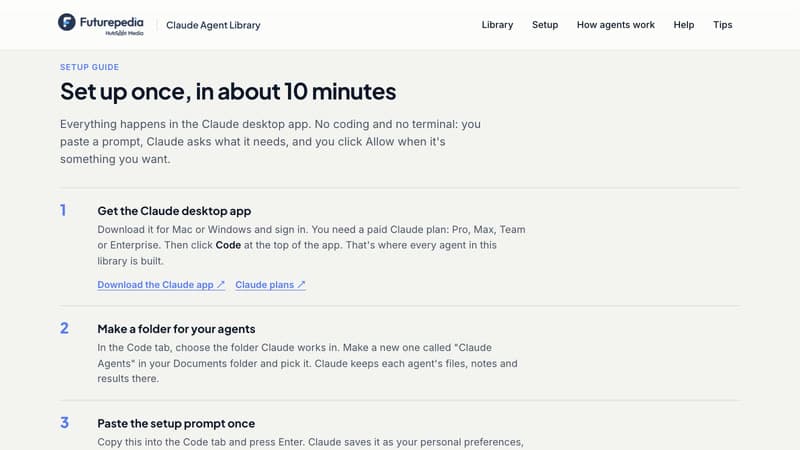
Step-by-step setup guide: Everything happens in the Claude desktop app, with no coding or terminal. Three easy agents to start with, and the building blocks explained in plain English.
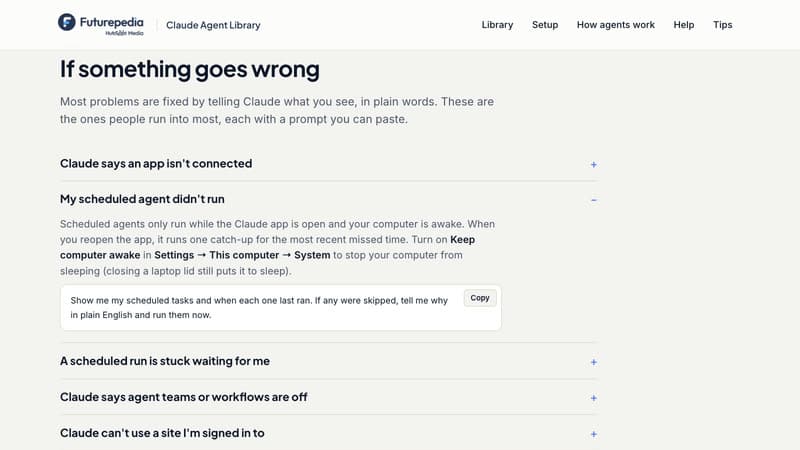
Fixes and follow-ups: Paste-able prompts for the most common problems, and two "then ask" prompts per agent to take each one further.
Build Your First AI Agent with Claude Today
Sign up free and open the full library in your browser: 27 agents with animated previews, 27 copy-ready prompts with follow-ups, and a plain-English setup guide for the Claude desktop app. Pick an agent, paste the prompt, and watch Claude build it.
Frequently Asked Questions (FAQs)
Who is the Claude Agent Library for?
Founders, marketers, creators, team leads and anyone who wants AI to do real work for them: sort email, research leads, edit videos, answer team questions. If you can describe a task, you can build an agent for it.
What exactly do I get after signing up?
The full library in your browser: 27 agents with animated previews, a copy-ready prompt and two follow-up prompts for each, a step-by-step setup guide, a plain-English guide to how agents work, and fixes for the most common problems.
What do I need to use the prompts?
The Claude desktop app for Mac or Windows with a paid Claude plan (Pro, Max, Team or Enterprise). Some agents connect to apps you already use, like Gmail, Google Calendar or Slack. A few have extra requirements, which each card lists: for example, the agents that control your computer need Pro or Max, and the iPhone app agent needs a Mac.
Do I need to know how to code?
No. You paste a prompt in plain English, and Claude does the building, testing and setup. It tells you when you need to click something yourself.
Will the agents send emails or post things without asking?
No. Every prompt tells Claude to draft instead of send, and to ask before it posts, deletes or buys anything. You stay in control of everything that goes out.