The AI Image Lab
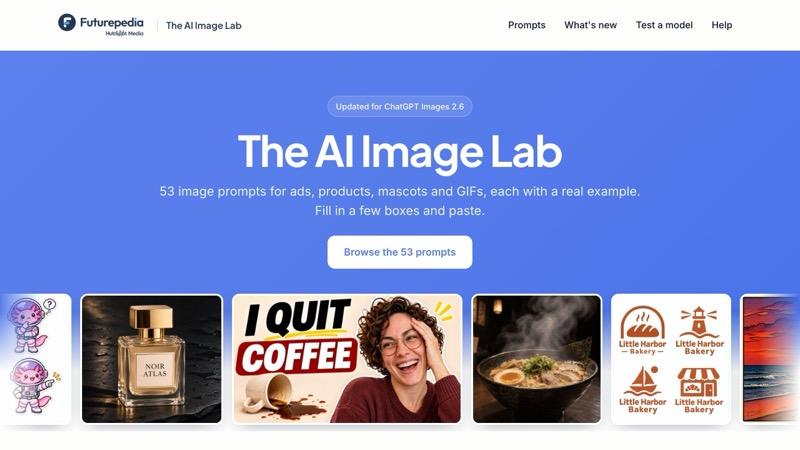
53 image prompts for ads, products, mascots and GIFs, each with a real example. Pick your options and paste the prompt into ChatGPT or any image model you use.
What's Inside
53 ready to copy image prompts: Every prompt from the ChatGPT Images 2.6 video, plus 36 more for ads, products, brand characters, edits and GIFs, grouped so you can find the right one fast.
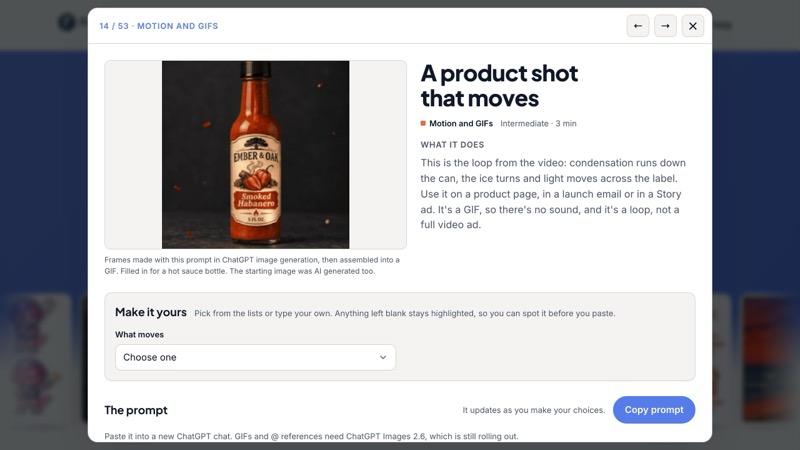
See what each prompt makes: Each card shows an example made with its prompt, plus what you'll get, what you'll need and how long it takes.
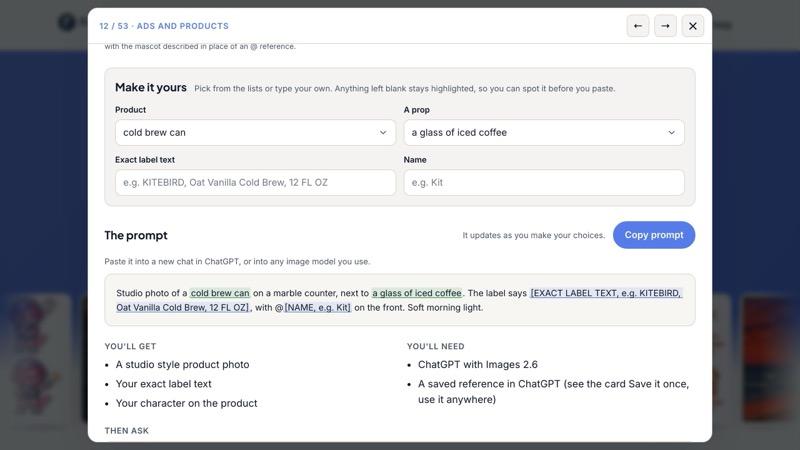
Pick your options, copy the prompt: Choose the style, scene and colors from simple lists, type only what's yours, like your exact words, and copy a finished prompt, with Then ask lines for the next round of edits.
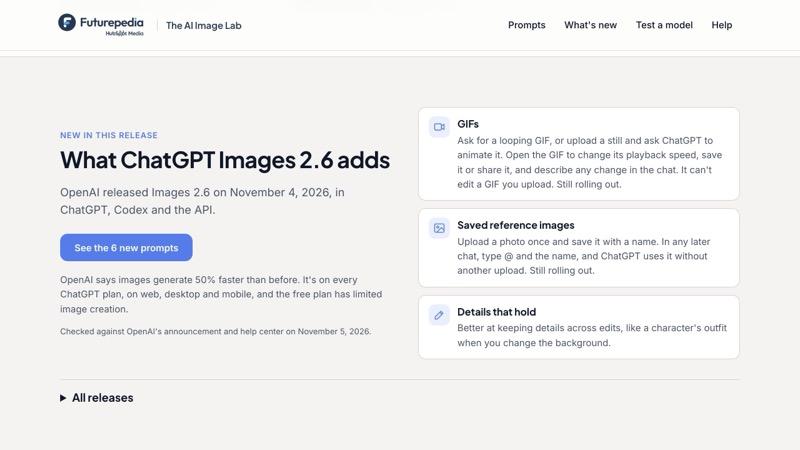
What's new in every release: A plain English panel on the newest model, right now ChatGPT Images 2.6 with GIFs and saved references, and six prompts made for its new features. Updated when the next model comes out.
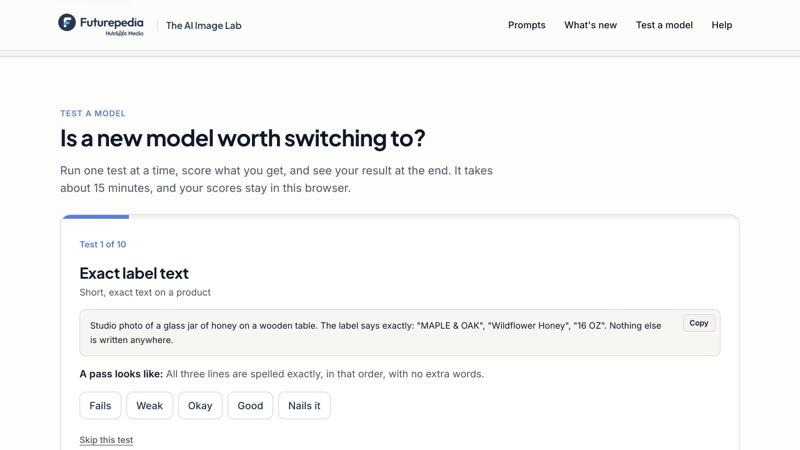
The Model Test Kit: Ten prompts that test any new image model on exact text, numbers, hands, edits, layout and GIFs. Run one at a time and get a score out of 50, so you know in about 15 minutes if it's worth switching.
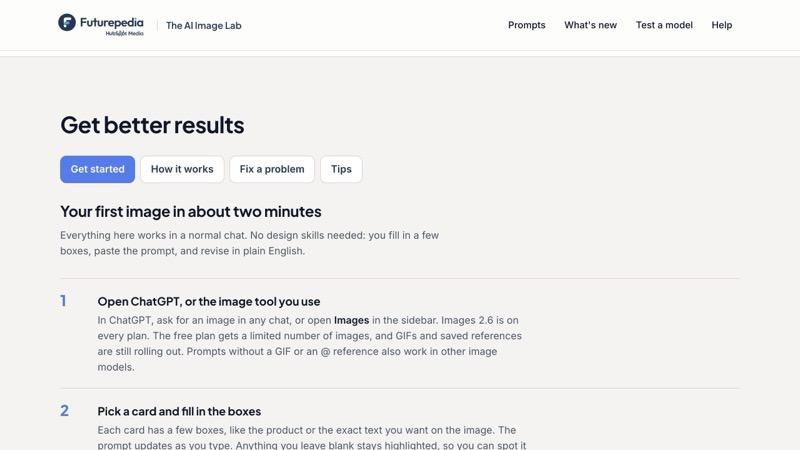
Setup guide and fixes: A two minute setup guide, how GIFs, saved references and the Select tool work, and paste ready fixes for the most common problems.
Make Your First GIF with ChatGPT Today
Sign up free and open the full lab in your browser: 53 prompts with real examples and follow ups, a release panel for ChatGPT Images 2.6, and a 10 prompt Model Test Kit with a scorecard. Pick a card, paste the prompt, and watch it draw.
Frequently Asked Questions (FAQs)
Who is the AI Image Lab for?
Marketers, creators, founders and anyone who makes images for work: ads, product shots, thumbnails, mascots and social posts. If you can describe the picture, you can make it.
What exactly do I get after signing up?
The full lab in your browser: 53 prompts with real examples, fill in boxes and two or three follow ups each, a plain English panel on what's new in ChatGPT Images 2.6, a 10 prompt Model Test Kit with a scorecard, a setup guide, and fixes for the most common problems.
What do I need to use the prompts?
ChatGPT for the GIF and saved reference prompts. Images 2.6 is on every ChatGPT plan; the free plan has limited image creation, and GIFs and saved references are still rolling out. Every other prompt works in any good image model.
Does it work with other image models?
Yes. Most prompts are written to work in any good image model, and the Model Test Kit is built to compare them. When a new model comes out, the lab gets a new release panel and prompts for its new features.
Do I need design skills?
No. You fill in a few boxes in plain English, paste the prompt, and ask for changes the same way. Each card tells you what to check before you use the result.