Build 3D Animated Explainer Videos with Claude: 37 Ready-Made Styles
For creators, marketers, educators and founders who want 3D motion graphics but don't model or animate. Browse 37 three.js styles, watch a sample clip of each one, and copy a ready-made prompt that has Claude rebuild any style around your topic, from product explainers to course lessons.


Join thousands of professionals using this resource.
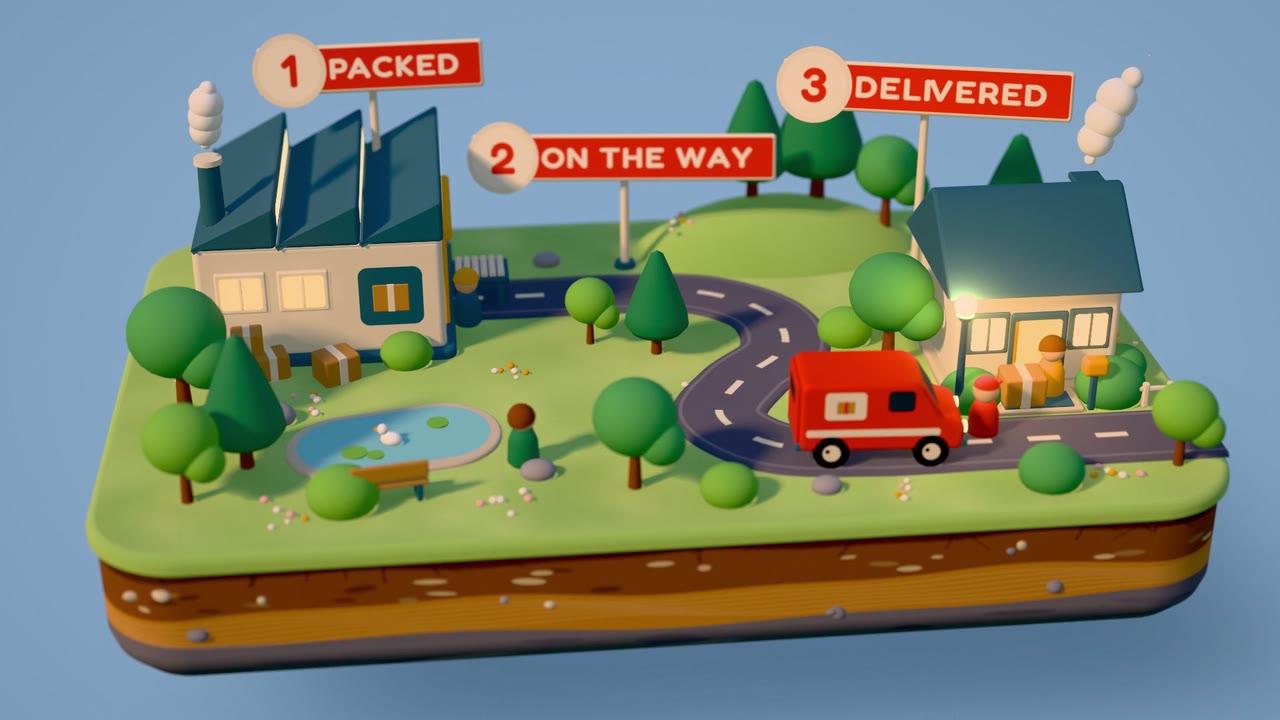
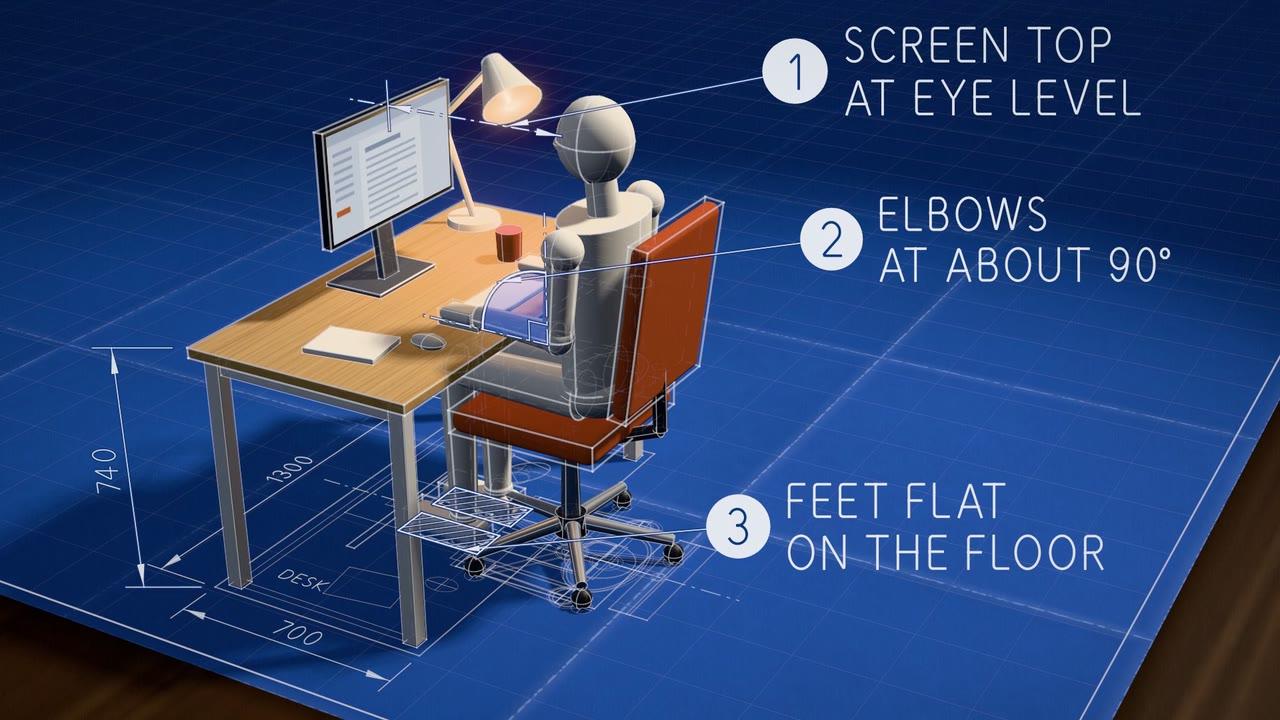
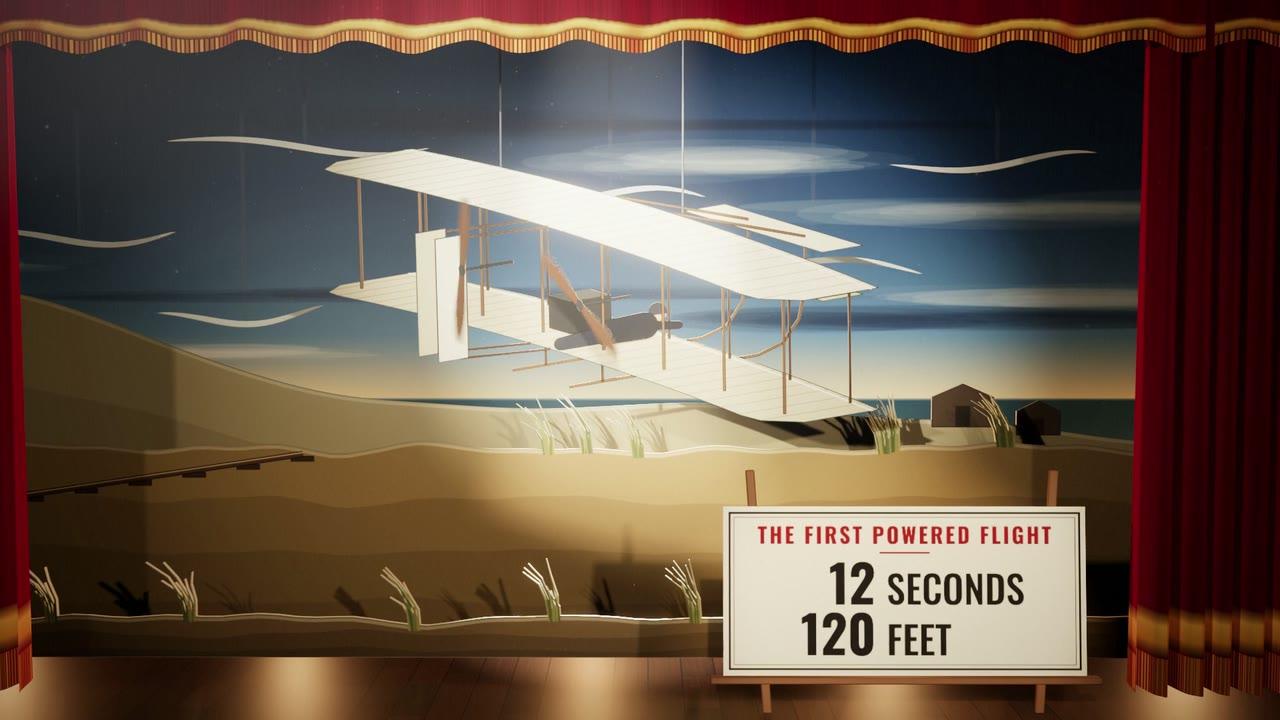
What's Inside
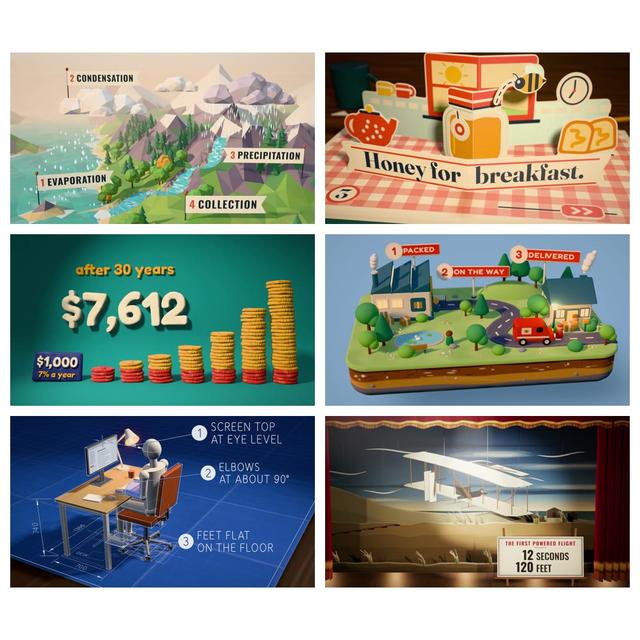
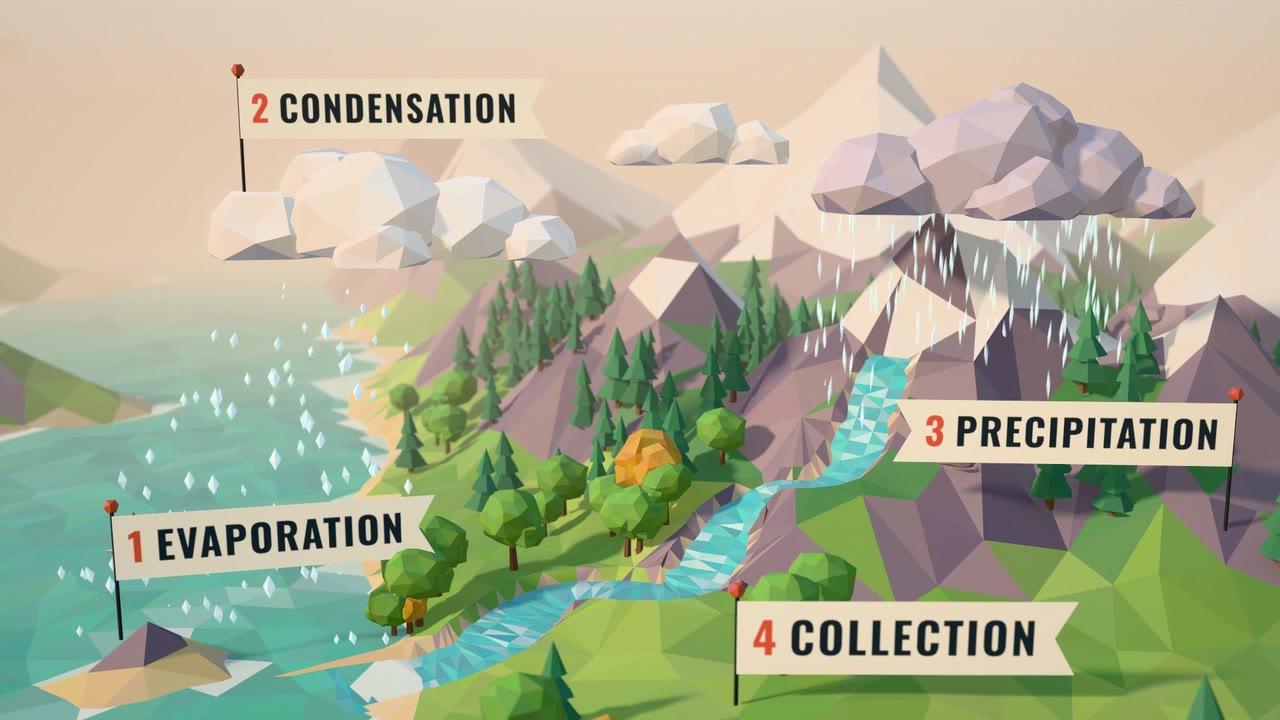
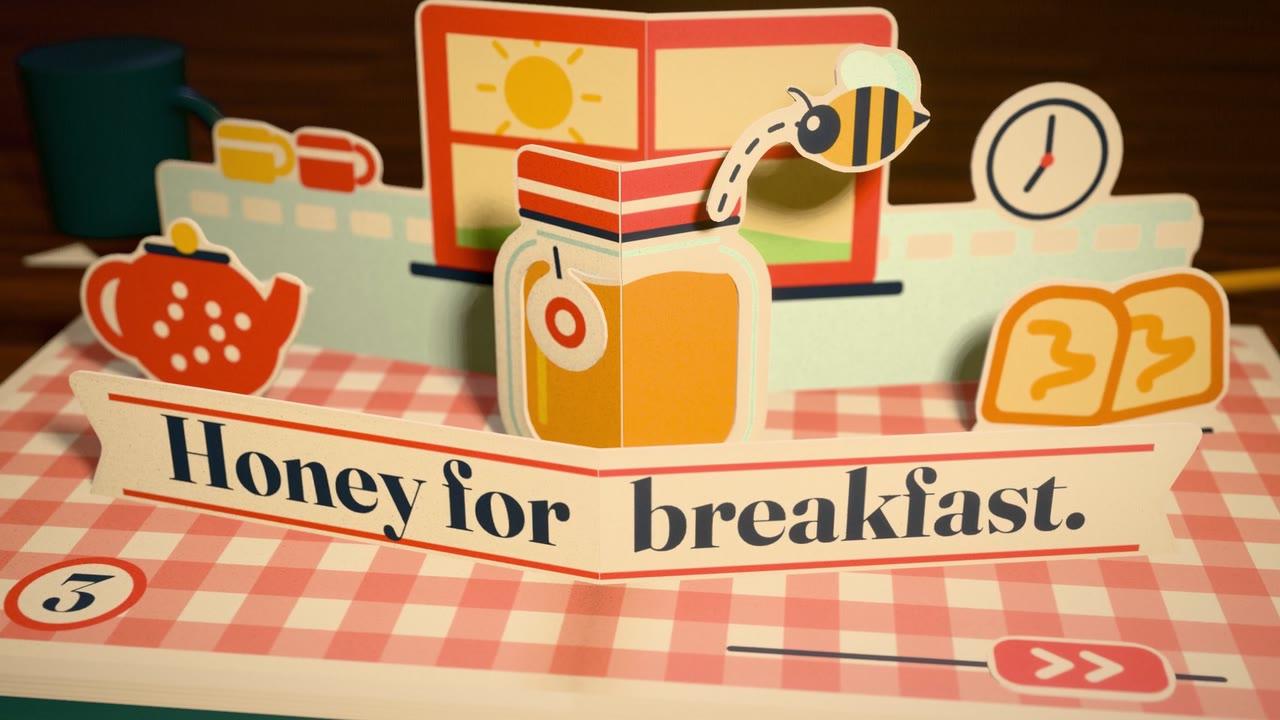
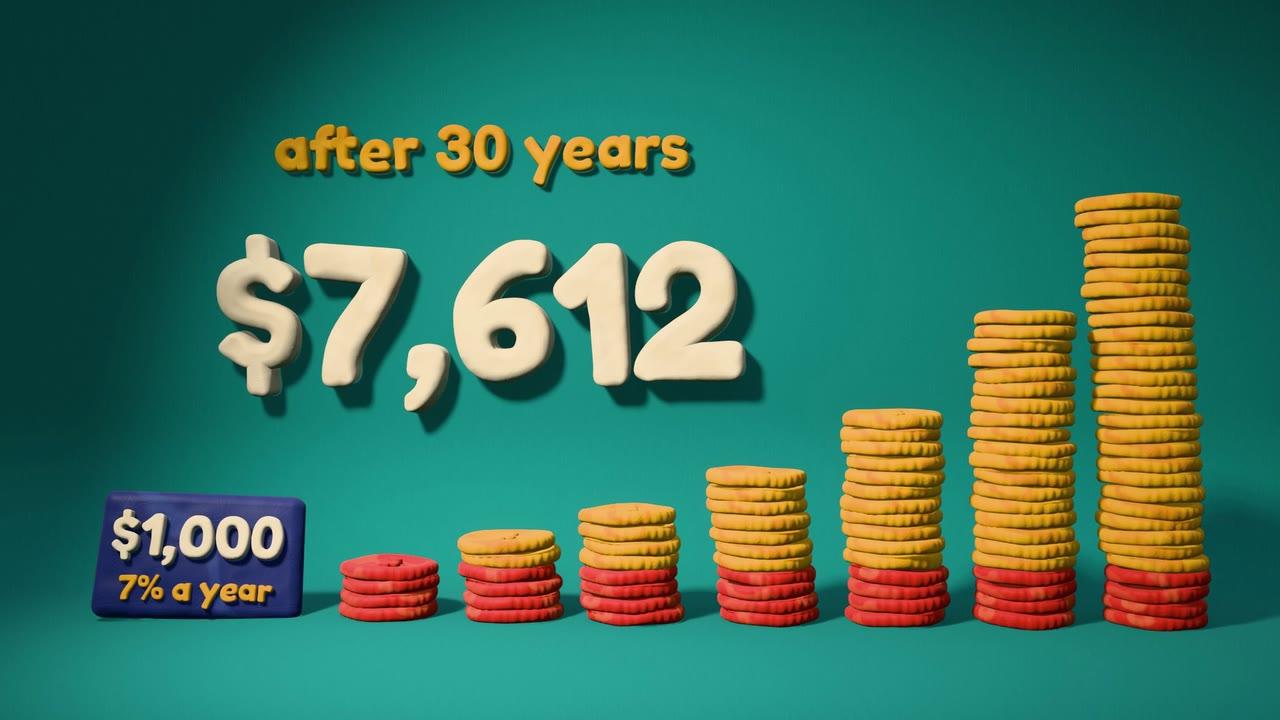
37 ready-made 3D styles: Low-poly worlds, paper pop-up books, soft clay, tiny dioramas, blueprints and neon signs, grouped into 7 families. Filter by family and land on a look in minutes, not hours of hunting reference videos.
A sample clip of every style: Each style plays a short explainer or story on its own topic, with sound, so you can see what the look is good at before you build anything.
Real 3D, built entirely in code: Every scene is made with three.js in your browser: cameras, lights, depth of field and soft shadows, with no 3D software and no downloaded models, images or textures.
Copy-ready Claude prompts: Every style ships with a one-click prompt containing its full source code, the rendering kit and a sound kit. Paste it into Claude with your topic and it rebuilds the style around a product explainer, a lesson, a launch video or a social clip.
Voiceover and storyboard modes: Turn on voiceover timing to sync the visuals to your narration, or ask Claude for a storyboard first so you approve the beats before anything is built.
Video-ready output: Prompts ask for a 1920x1080 scene you can render frame by frame to MP4 with sound, ready for YouTube, LinkedIn or your own edit.
Make 3D Explainers That Look Crafted, Not Generated
Sign up free and open the full atlas in your browser: all 37 styles with a sample clip for every look, and 37 copy-ready prompts with the rendering and sound kits. Pick a style, paste the prompt, and get a 3D animated explainer with its own look, motion and sound.
Frequently Asked Questions (FAQs)
Who is the 3D Style Atlas for?
Creators, marketers, educators and founders who want to explain something in 3D on video but don't model or animate. If you can paste a prompt, you can use it.
What exactly do I get after signing up?
Instant access to the interactive 3D Style Atlas on this site: all 37 styles with a sample clip for every look, and a copy-ready Claude prompt for each one with its source code, the rendering kit and a sound kit.
What do I need to use the prompts?
A Claude account. Paste the prompt into a new chat with your topic and Claude builds the 3D animation in that style as a single HTML file.
Do I need 3D software?
No. There is nothing to install and nothing to model. Claude writes the whole scene in code with three.js, and it plays in your browser.
Can I turn the result into a video?
Yes. Each prompt asks Claude to make the animation renderable frame by frame, and includes instructions for exporting an MP4 with sound.
How is this different from the AI Style Atlas?
The AI Style Atlas has 86 flat, drawn styles. This one has 37 styles built as real 3D scenes with cameras, lights and materials. Both work the same way: pick a style, copy the prompt and paste it into Claude.